Newsletter Subscribe
Enter your email address below and subscribe to our newsletter

 ByJohn A
Shoppers judge a store by its storefront. The people running it judge it by the admin panel, the screen they open fifty times a day to ship orders, fix prices, and answer customers.
When that screen is slow or missing basic tools, the cost hides in plain sight: spreadsheet exports, copied order numbers, and refunds that need a developer. Every manual step is a place where errors creep in as order volume grows.
At Acquaint Softtech, admin panels are a regular part of what our Laravel Development Services team delivers as an Official Laravel Partner. With 1,300+ projects, 70+ in-house engineers, and clients across the USA, UK, Europe, and Australia, this guide covers the modules, permissions, dashboards, and cost of a back office that keeps up with growth.
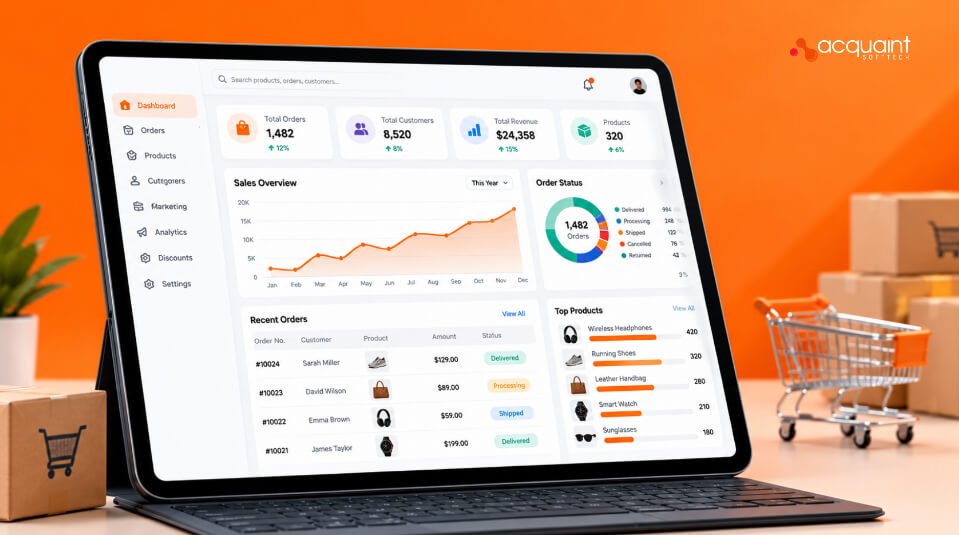
An e-commerce admin panel is the private back-office application where staff manage orders, products, customers, inventory, and reports. It sits on the same data as the storefront, but it is built for operators, not shoppers.
Why it deserves real design
Most platforms ship a generic admin that suits a small catalog. As orders, staff, and channels grow, teams need workflows shaped to how they actually work, which is why a custom or heavily extended admin often pays for itself in saved hours.
A complete admin panel has six core modules: orders, products, customers, inventory, reports, and settings. Each serves a different team, so each needs its own screens, filters, and permissions.
| Module | Main job | Must-have feature |
| Orders | Track, ship, refund, and cancel | Bulk actions and status filters |
| Products | Create and update the catalog | CSV import with validation |
| Customers | View buyer history and support needs | Single customer timeline |
| Inventory | Keep stock accurate across channels | Low-stock alerts |
| Reports | Show sales and operations health | Role-based dashboards |
| Settings | Control tax, shipping, and staff access | Change history |
Order management works best when every order follows a defined lifecycle, such as pending, paid, packed, shipped, delivered, and refunded. A clear lifecycle stops orders from skipping steps and gives every team the same view of where an order stands.
Design the lifecycle before the screens
Model order states as a state machine, a set of allowed transitions between statuses, so an order cannot move from pending to shipped without payment. Then add bulk actions for printing labels, updating status, and exporting orders, since warehouse teams handle orders in batches, not one at a time.
Product management must handle bulk changes safely, because a catalog of thousands of items is never edited one product at a time. Bulk import, variant editing, and a draft-to-publish flow are the three features that save the most time.
Validate before anything goes live
Run every CSV import through validation first, flagging missing prices, duplicate SKUs, and broken image paths before any change reaches the storefront. A preview of changes, followed by a single confirm step, prevents one bad file from breaking hundreds of product pages.
Customer management gives support teams one timeline of each buyer’s orders, returns, messages, and notes. The goal is to answer any question without switching between three tools.
Show less data, not more
Mask personal data such as full addresses and phone numbers for roles that do not need it. Build tools for data access and erasure requests too, since GDPR in Europe and the UK gives shoppers the right to see and delete their personal data.
Role-based access control, or RBAC, gives each staff member only the permissions their job needs. A packer should see shipping details, not revenue reports, and a marketer should edit promotions, not refunds.
This matters because access mistakes are common. Broken access control ranks first in the OWASP Top 10 for 2021, the widely used list of critical web application security risks.
Log every sensitive action
Keep an audit trail that records who changed a price, issued a refund, or exported customer data, and when. When something goes wrong, the log turns a long investigation into a quick lookup.
A useful dashboard shows each role the few numbers it acts on every day, not every metric the database holds. Operations needs orders waiting to ship, finance needs revenue and refunds, and support needs open tickets.
For deeper analysis across sales channels, many brands hire Power BI Developer specialists to connect admin data to full business intelligence reports.
| Role | Key numbers | Action it drives |
| Operations | Orders pending, late shipments | Prioritize packing |
| Finance | Revenue, refunds, payment failures | Reconcile and investigate |
| Merchandising | Low stock, top sellers | Reorder and promote |
| Support | Open tickets, return requests | Resolve customer issues |
Design for tasks, not charts
Put the next action beside each number, such as a link from late shipments to the filtered order list. Teams that hire UI UX Designer talent early usually get admin screens staff adopt quickly, instead of tools they work around with spreadsheets.
The cost of an admin panel depends on how many modules you need and how custom the workflows are. Extending an admin framework such as Laravel Filament costs far less than building every screen from scratch.
| Scope | What you get | Typical range (USD) |
| Core admin | Orders, products, customers, basic roles | $10,000 to $25,000 |
| Full back office | All six modules, audit trails, role dashboards, integrations | $25,000 to $60,000 |
Where the savings are
Start with orders and products, the modules used every hour, then add reports and fine-grained roles. This staged build runs at up to forty percent cost savings versus Western agencies, with blended rates of roughly twenty-five to forty-nine US dollars per hour.
A back office proves itself when teams stop chasing each other for updates. Acquaint Softtech built a centralized operations platform for a UK-based custom radiator manufacturer with showrooms in London and New York. The account below is drawn from the client’s 5.0 out of 5 Clutch review.
| Challenge | Solution | Result |
| Orders tracked in spreadsheets and emails | Production and order tracking platform | Custom orders reached the factory instantly |
| Product specs scattered across teams | Centralized product specification module | No double-checking with other departments |
| Managers and showrooms needed different views | Role-based dashboards | Showrooms focused on quotes and order status |
The takeaway matches this guide: a clear order lifecycle, one source of product truth, and dashboards shaped by role make operations predictable.
What is an e-commerce admin panel?
It is the private back-office application where staff manage orders, products, customers, inventory, and reports. It uses the same data as the storefront but is designed for daily operations work.
What features should an e-commerce admin panel have?
At minimum: order management with bulk actions, product management with CSV import, a customer timeline, inventory alerts, role-based dashboards, and staff permissions with an audit trail.
Should I build a custom admin panel or use the default one?
Use the default while your catalog and team are small. Move to a custom or extended admin when staff rely on spreadsheets or workarounds to finish daily tasks.
How do you secure an e-commerce admin panel?
Use role-based permissions, two-factor login for staff, masked customer data, and an audit log of sensitive actions. Review access whenever someone changes roles or leaves.
What is an audit trail in an admin panel?
It is a record of who changed what and when, such as price edits, refunds, and data exports. It speeds up investigations and supports compliance reviews.
How long does it take to build an admin panel?
A core admin covering orders, products, and customers usually takes several weeks with a small dedicated team. Full back offices with integrations and role dashboards take longer.